

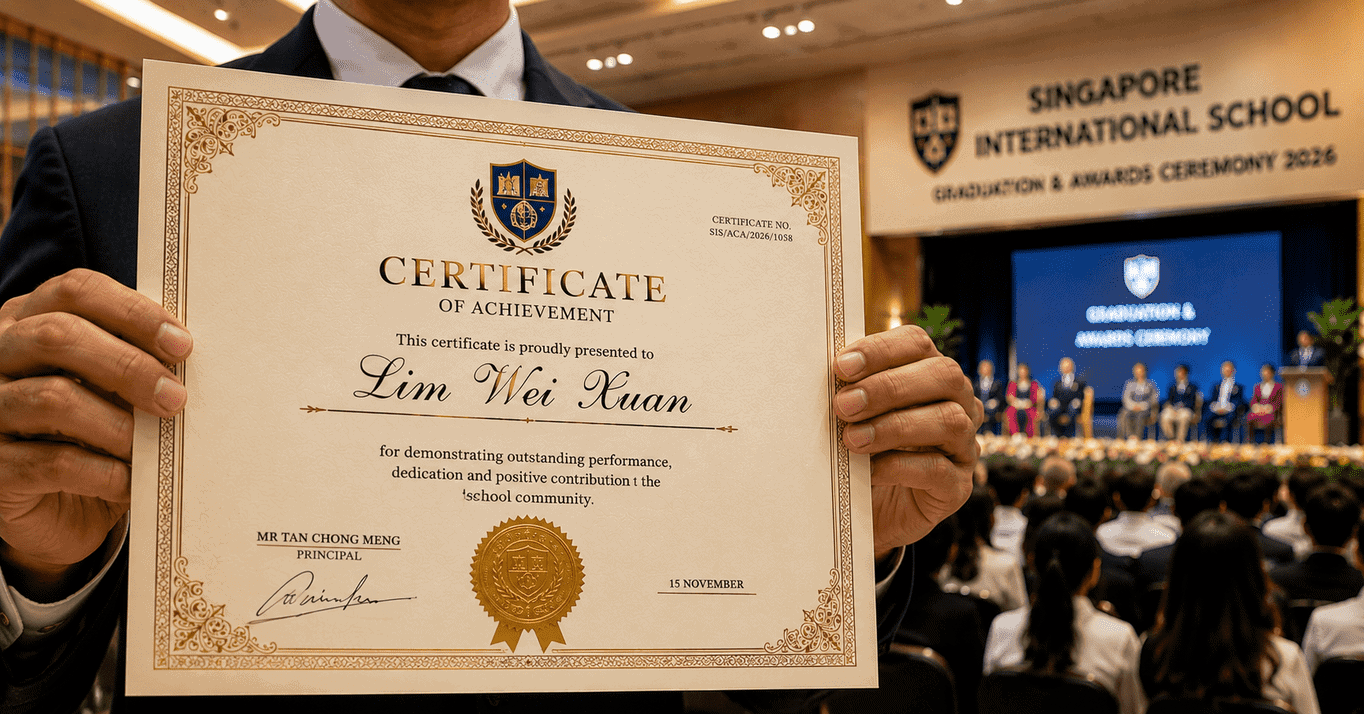
Think about the last time you received a certificate that looked genuinely professional. The paper felt sturdy, the print was sharp, and the design looked polished. Chances are, you didn’t treat it like an ordinary sheet of paper. You probably took a closer look, and maybe even considered keeping it somewhere safe or putting it on display.
That kind of reaction doesn’t happen by accident. It comes from a series of printing choices that make a certificate feel more meaningful, valuable, and worth keeping.
Many different organisations in Singapore order printed certificates, including schools, training centres, companies, sports clubs and event organisers.
In this guide, we’ll look at the main things you should know before placing an order. That includes choosing the right paper, preparing the design, handling names and other personalised details for large batches, and avoiding common mistakes that can lead to costly reprints.
What separates a professionally printed certificate from a desktop printout
Anyone with an inkjet printer can produce something that is technically a certificate. The gap between that and a properly printed one is visible immediately.
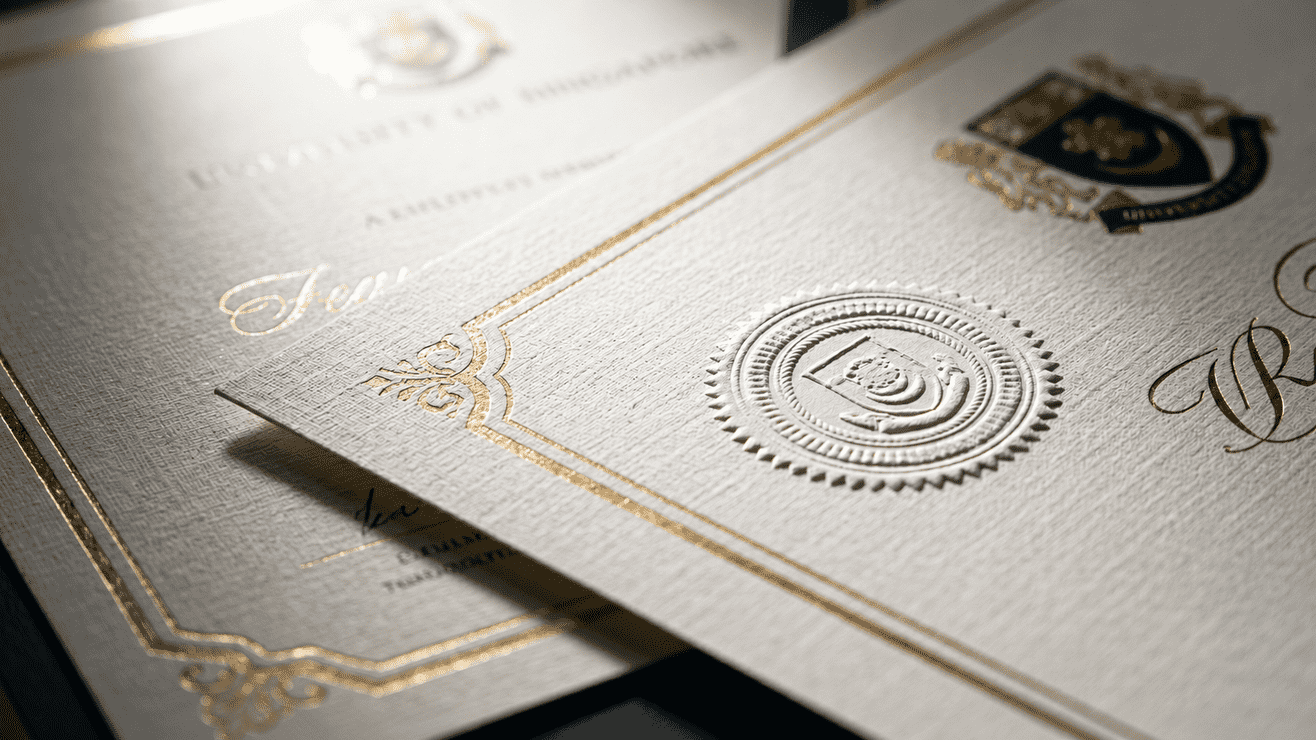
Paper weight is the most obvious element. A certificate on 80gsm office paper feels temporary. On a 250gsm artcard it has substance. On 300gsm stock it has a presence.
Colour accuracy is also important. Certificates often include school colours, company branding, logos, crests, and decorative borders. These elements need to appear in the correct colours on every certificate. Professional digital CMYK printing delivers consistent results, while office printers can produce colour variations.
Fine-line reproduction is the third factor. Certificate designs are full of detail, ornamental borders, crest elements, thin rule lines, sometimes watermark-style backgrounds. Professional printing equipment reproduces these details clearly and sharply. Office printers may produce blurry edges, uneven lines, or visible banding.
And consistency across the full run matters especially when certificates are going to students or staff in the same batch. If certificate number 1 and certificate number 247 in the same run look visibly different, that’s a production failure that reflects on the institution.
Paper options and which to choose
| Card Stock | Weight | Best Used For |
| Linen Paper White | 260gsm | Formal diplomas, graduation, long-service awards |
| ArtCard | 350gsm | Everyday awards, with 350gsm for a thicker, premium feel |
| Matt Art Card | 256gsm | Coated both sides, ideal for double-sided certificates |
| Woodfree | 250 or 300gsm | Uncoated, ink-friendly surface for hand-written names and signatures |
For most Singapore certificate printing jobs, 260gsm linen or 350gsm ArtCard are the two most commonly chosen options, linen for a textured, formal diploma feel, and 350gsm ArtCard for a smooth, bright, everyday premium look. If names or signatures will be added by hand after printing, woodfree is the better surface since it takes ink without smudging.
What goes into a certificate design and what each element needs
Institutional crest or logo
This is the part that office printers often struggle with the most because logos and crests usually contain fine details and are often printed at a small size. For print, the logo needs to be a vector file such as, AI, EPS or PDF with vectors embedded, not a JPEG or PNG exported from a website. Vector files scale to any size without losing resolution. In contrast, a JPEG crest taken from a website at 72 dpi may look blurry, soft, or pixelated when printed.
Border and frame
Most certificate borders contain thin lines and ornamental corners. These details print clearly at 300 dpi but often lose quality at screen resolution. If your certificate was designed in Canva using raster border elements instead of vector graphics, it’s important to check the actual resolution at the final print size before sending the file for printing.
Recipient name
Some certificates have the recipient’s name printed directly on the certificate, while others leave a blank space for the name to be written by hand. For print runs of fewer than 100 certificates, printing individual names using variable data is usually simple. For larger print runs, variable data printing is the standard method used to personalise each certificate.
Signatures
A scanned signature in the design looks fine in print if it was scanned at sufficient resolution. 600 dpi is the minimum worth using. A signature scanned at 150 dpi will show visible pixelation at the size it’s printed on a certificate. If your current signature file looks slightly blurry on screen, rescan it.
Date and reference numbers
For training completion certificates or any credential that might be verified later, accuracy is important. If these change per certificate, they’re part of the variable data.
Variable data printing for certificate runs
Variable data printing allows each certificate in a print run to contain different information, such as names, dates, and course titles, without setting up each certificate separately. For example, a training provider can print 300 certificates in one batch, with each certificate showing the correct recipient name and completion date.
To do this, you provide the certificate design as a PDF or InDesign file with clearly labelled placeholder fields where the variable information will go. You also provide a spreadsheet, Excel or CSV, with a row for each certificate and a column for each variable field. The printer’s system merges the data into the template and runs the complete batch as one job.
For schools printing certificates for multiple classes or groups, this saves hours of manually entering names. Although the data merge takes some setup time, it is fast and accurate once completed.
A common cause of delays is a spreadsheet that needs cleaning before it can be used. Problems such as inconsistent capitalisation, blank rows, special characters, or extra spaces can slow down the process. Sending a clean, well-organised spreadsheet with clearly labelled columns helps the job run smoothly.
Common mistakes that cause reprints
Low-resolution crest
The institutional logo has been sourced from a website as a small JPEG and it looks pixelated in print. The fix is to get the original vector file from the institution’s design assets. If that’s not available, a graphic designer can trace the logo into vector format.
Wrong page size
A4 is 210 by 297mm. The US Letter is 216 by 279mm. A certificate designed at Letter and printed at A4 will either be cropped or have white space where there shouldn’t be. Check the document size before you send.
No bleed on border designs
If the certificate border runs to the edge of the page, there needs to be 3mm of bleed extending beyond the cut line. Without it, a slightly off cut leaves a white sliver at the edge of the border, which is very visible on a formal document.
Insufficient contrast on light backgrounds
A certificate designed with gold text on cream paper can look elegant in the design file and become difficult to read in print. Gold CMYK is a yellowish-brown, not metallic. If you’re relying on a metallic effect, that requires foil stamping, not standard CMYK print.
Missing or messy data file for variable runs
Sending the name list as a Word document or PDF instead of a clean spreadsheet can slow down the job. The spreadsheet should have one column for each variable field and one row for each certificate, with no merged cells.
Turnaround for certificate printing in Singapore
Most standard certificate jobs at Orange Print are completed within 1 working day after artwork approval, with quote requests answered within 1 working day too. For variable data runs, add 1 to 2 days for the data merge and proof review before production starts.
Same-day and next-day certificate printing is available for clean, straightforward jobs. If you have a graduation ceremony on Friday and you’re placing the order Wednesday morning with clean artwork, it’s worth calling or messaging ahead to confirm production capacity. For variable data runs with more than 100 certificates, contact us before placing the order so we can confirm the timeline and review your data file format before you’re committed to a deadline.
How Orange Print handles certificate printing in Singapore
At Orange Print, certificate printing is a standard product line. We print digitally from our Sembawang facility on 260gsm, 350gsm and 256gsm stocks in matte and gloss finish, with full-colour CMYK reproduction. Both fixed-run jobs (same content, multiple copies) and variable data runs (individual names and details per certificate) are handled.
Short runs from small quantities are fully supported. For urgent jobs, WhatsApp +65 8438 1313 or use the live chat on the site before ordering to confirm what we can accommodate.
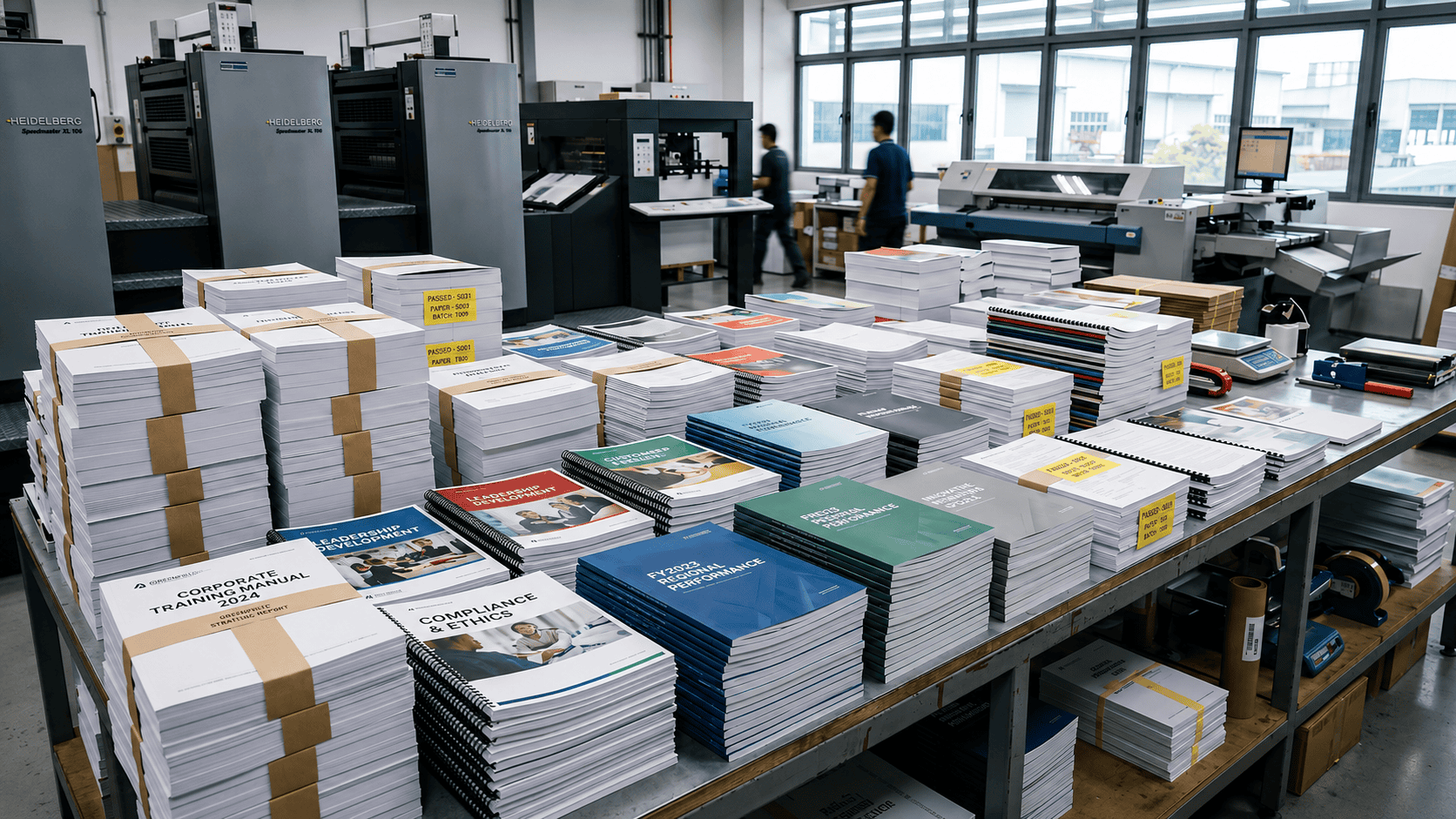
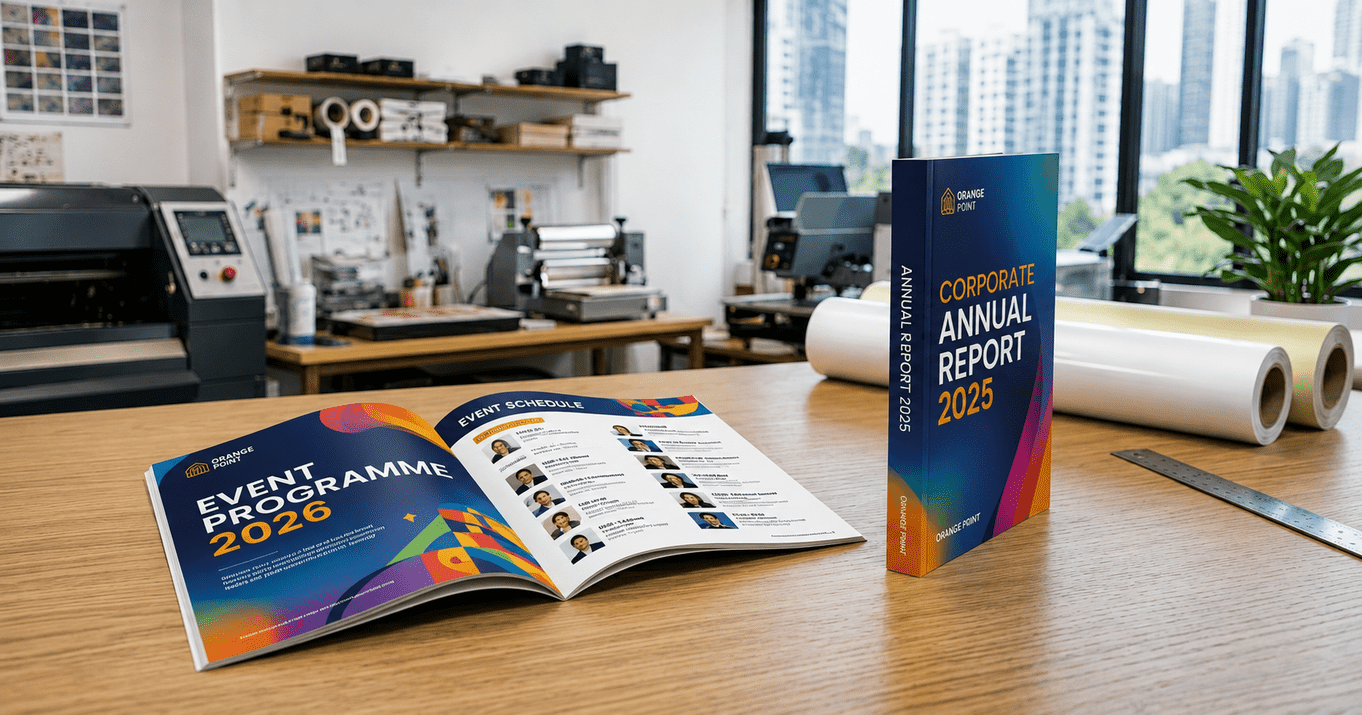
Certificates are often just one part of a larger printing project. For example, a school preparing for graduation may also need booklets and other materials through a document printing Singapore service. Working with a printing company that can manage both certificates and other printed items can save time and make the process more efficient. .
If your original certificates only exist as physical copies, our scanning service can digitise, clean up, and prepare them for reprinting on proper certificate stock instead of using standard photocopies.
Frequently asked questions
1.What size are certificates in Singapore?
A4, which is 210 by 297mm, is the standard. Landscape orientation is also widely used particularly for school awards and sports certificates. Some organisations use A3 for high-prestige awards where a larger physical presence matters.
2. What paper weight should a certificate be printed on?
Linen Paper White at 260gsm gives a textured, formal finish that suits diplomas and graduation certificates. ArtCard at 250 or 350gsm is a smooth, bright everyday choice, with 350gsm feeling noticeably more premium. If you’re not sure which fits your design, send it over on WhatsApp and the team will recommend a stock.
3. Can each certificate have the individual recipient’s name printed on it?
Yes. This is variable data printing. You provide the design template and a clean spreadsheet with the recipient names and any other fields that change per certificate. Provide your data as a properly labelled spreadsheet, not a formatted document or PDF, and the merge runs cleanly.
4. Can certificates be printed same-day in Singapore?
Yes. Same-day and next-day printing is available for straightforward jobs with print-ready artwork. Variable data jobs usually require an extra 1 to 2 working days for data processing and proof review. Get in touch.
5. What file format should I send for certificate artwork?
PDF exported from your source application with embedded fonts and at the correct A4 print dimensions. Logos and crests should be vector elements inside the PDF, not placed JPEG images.