


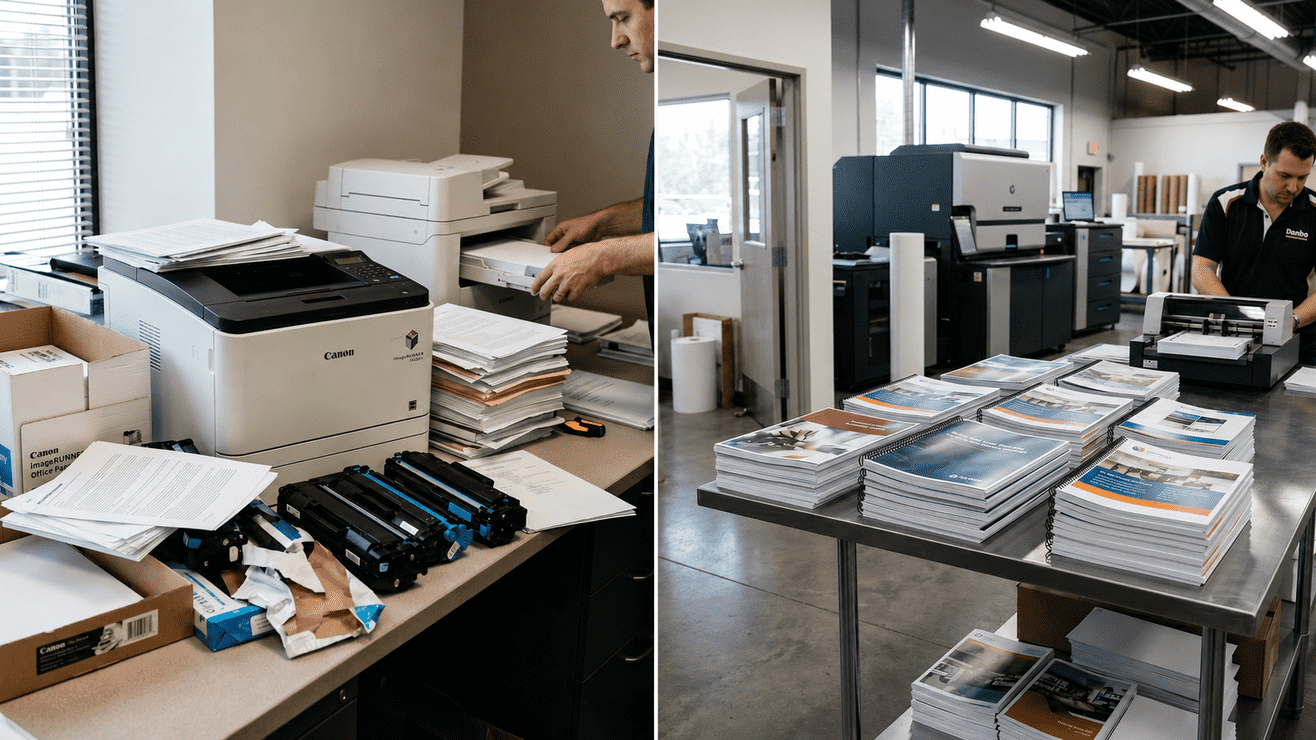

Every growing business eventually hits that breaking point where the office printer goes from a helpful tool to enemy number one. We’ve all been there: it’s 11 p.m., a massive proposal is due tomorrow, and the printer suddenly decides it’s the perfect time for a catastrophic paper jam. Or worse, that the toner dies mid-run, and your entire marketing team is left hovering over a single, sputtering machine, desperately waiting for 80 copies of a 40 page report that was supposed to ship yesterday.
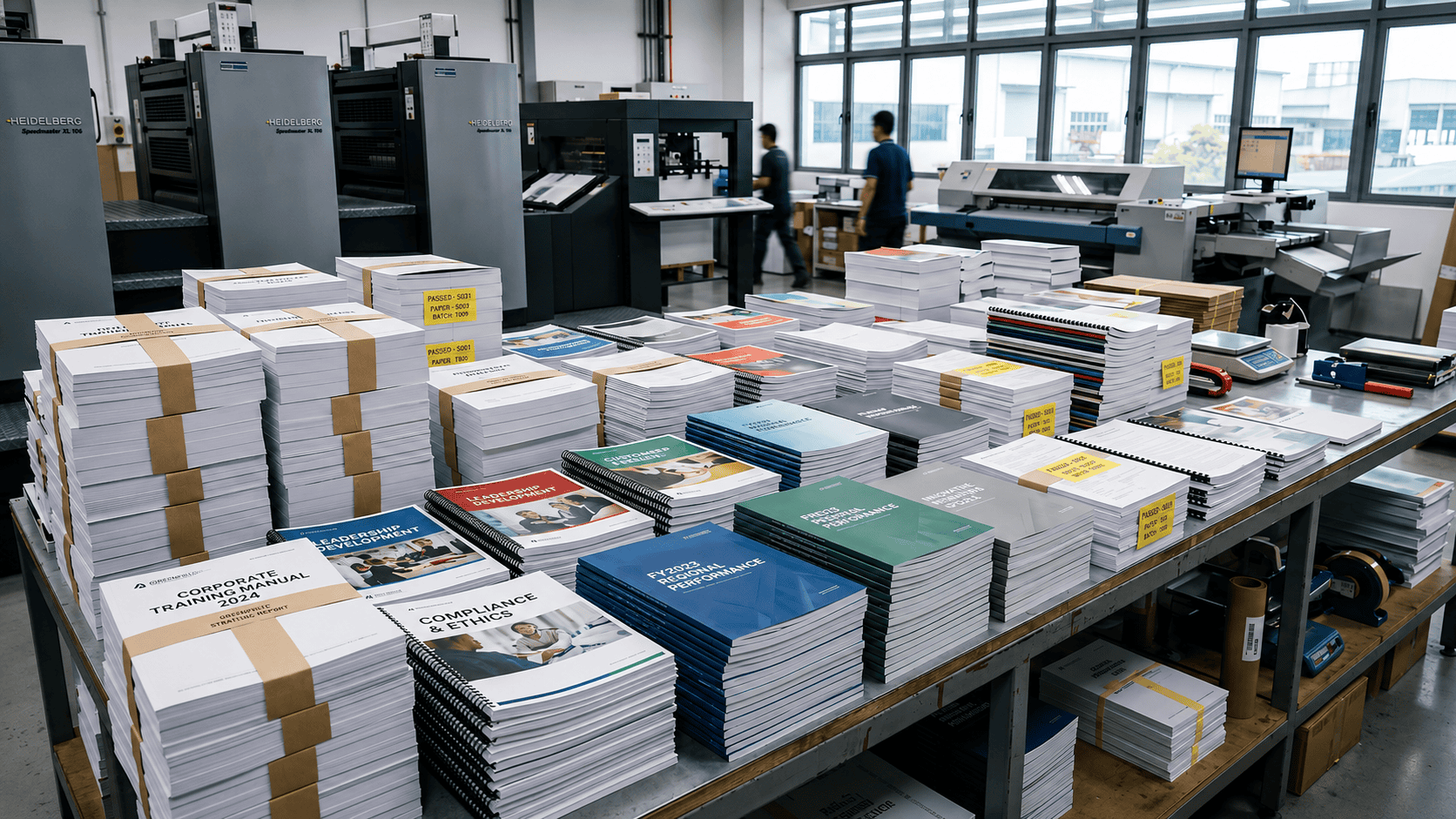
Document printing at volume is a different discipline from printing a single report. Done well, it saves your team hours, protects brand consistency, and costs less per page than your office machine. This guide covers how businesses in Singapore structure their bulk print workflows.
What counts as bulk document printing?
Common bulk document printing jobs we see from Singapore businesses:
- Training manuals and course materials (tuition centres, corporate L&D, polytechnics)
- Assessment papers and answer booklets (schools, exam bodies)
- Company reports and board papers (corporate offices, listed companies)
- Event programmes and speaker notes (conferences, AGMs, product launches)
- Franchise operations manuals and SOPs (F&B groups, retail chains)
- Legal bundles and contract sets (law firms, property developers)
- Medical and clinical documentation (private clinics, hospital departments)
In-House vs. Corporate Printing Services: A Cost Comparison
| Cost Factor | In-House | Professional Print Service |
| Equipment depreciation | Yes | No |
| Toner/ink at commercial volume | High per-page | Included in price |
| Paper stock options | Limited | Full range |
| Staff time (setup, collation, binding) | Significant | Minimal as the work is handled by the printing service provider. |
| Finishing (binding, lamination, folding) | Often not available | Standard options |
| Colour accuracy | Inconsistent | Calibrated output |
| Reprints for machine error | Common | Rare, as most issues are identified during quality control checks. |
How to prepare a document print job properly
The single biggest cause of delays and reprints on bulk document jobs is artwork or file issues caught after the job is already in the queue. Get these right before you send:
File Format
PDF is the universal standard. Export from your source file (Word, InDesign, Illustrator) to PDF with embedded fonts. Sending a .docx file means the printer renders it in their version of Word, which may not match yours.
Page Size
Confirm your PDF is the right page size. A document designed at A4 but exported at Letter (US) size will print with white borders or misaligned crop marks.
Colour Mode
If printing in black and white, confirm the PDF is in greyscale. For colour jobs, CMYK is the correct colour mode; RGB documents are converted at the printer’s end, which may shift colours.
Bleed and Margins
For documents that go to the edge of the page, add 2mm bleed on each side and keep critical content at least 4mm from the trim edge.
Quantity and Binding
Be specific: ’80 copies, double-sided, A4, 80gsm white bond, spiral bound with clear front cover and black back cover.’ The more detail you give, the less back-and-forth before production starts.
Planning Bulk Document Printing Timelines
Start With Your Delivery Date
Don’t leave a large print job to the last minute. Even though modern printers are fast, you still need time for file checks, proofing, binding, and shipping. Figure out the exact day you need the documents, and plan backward from there.
Allow Time for Reviews and Revisions
Always leave a few extra days for unexpected edits. For important files like training manuals or multi-page custom booklets, finding a mistake late can delay the whole project or lead to hundreds of wasted copies. A safety buffer lets you check everything calmly.
Avoid Last-Minute Production Delays
Planning ahead saves you stress and money. When you set a realistic deadline and give clear instructions from the start, you avoid expensive rush fees, mistake-driven reprints, and unnecessary panic.
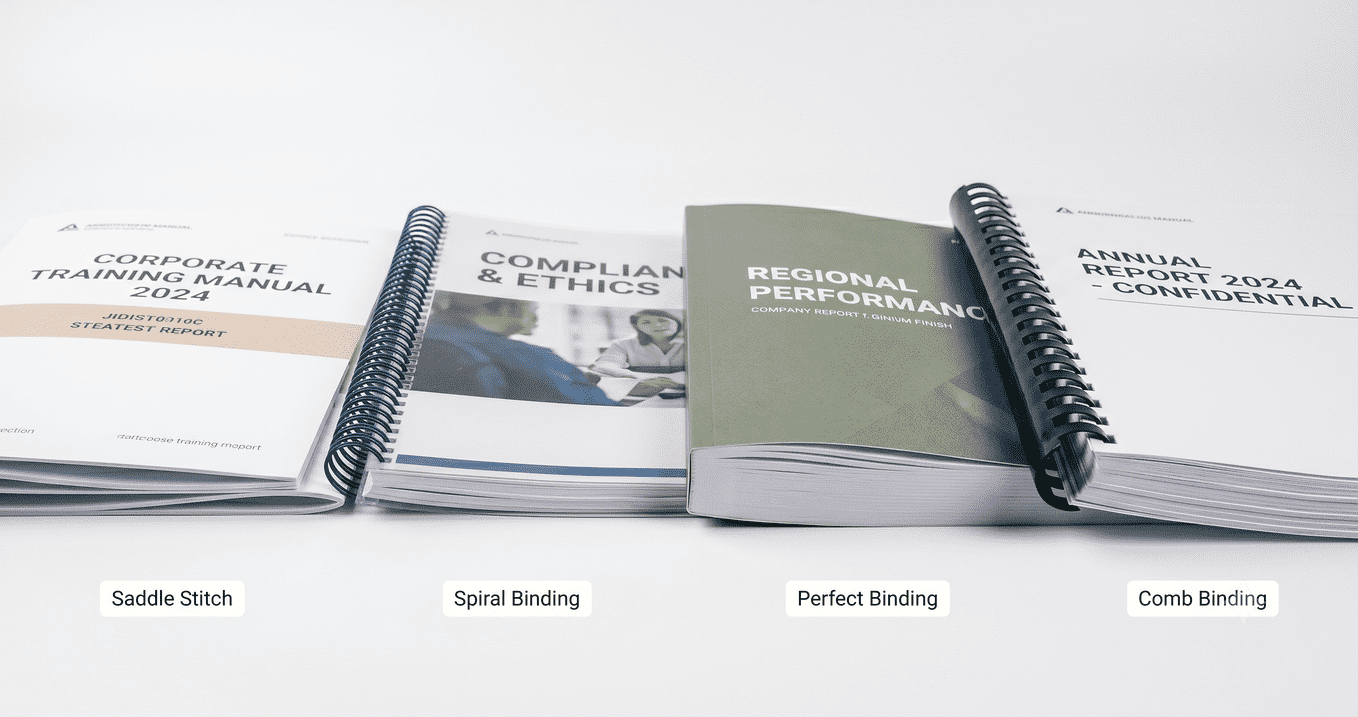
Binding options for bulk document printing
| Binding Type | Best For | Page Limit | Lies Flat? |
| Staple (corner) | Internal documents, drafts | Up to 50 pages | No |
| Saddle stitch | Booklets, programmes | Up to 64 pages | Yes |
| Spiral/coil | Workbooks, manuals, forms | Unlimited | Yes |
| Perfect bind | Reports, company profiles, textbooks | 50+ pages | No |
| Comb bind | Presentations, reference documents | Unlimited | Yes |
If you are printing shorter corporate brochures or event guides, requesting a saddle stitch booklet format is highly cost-effective and clean.
Setting up a recurring print arrangement
If your business has regular, predictable print volumes – monthly management reports, weekly training packs, quarterly company updates – it’s worth setting up a standing arrangement with a printing shop rather than reordering from scratch each time.
What a standing arrangement typically looks like:
- Template on file, where your printing company keeps your standard file, specifications and artwork ready for future orders.
- Approved paper and binding specifications ensure consistent output, consistent budget, no re-choosing every time.
- Priority queue access often regular customers typically get faster turnaround on repeat jobs.
- Consolidated invoicing simplifies administration by combining multiple print jobs into a single monthly invoice.
How Orange Print handles document printing in Singapore
At Orange Print, document printing Singapore jobs are handled digitally from our Sembawang facility. We handle single documents up to high-volume runs, with full binding and finishing options available.
Beyond text documents, we are equipped to support your business with a complete range of branding collateral. From official certificate printing to custom stickers and label printing for product packaging, we ensure your brand looks cohesive. We work closely with schools, tuition centres, corporate offices, law firms, and event organisers across Singapore. Our online price calculator gives an instant quote for most document jobs.
Frequently asked questions
1. What file format should I send for document printing?
PDF is the standard. Export with embedded fonts, in CMYK for colour jobs or greyscale for black-and-white.Avoid sending .docx or .pptx files because font rendering can differ between systems.
2. What’s the minimum quantity for bulk document printing in Singapore?
At Orange Print, there’s no strict minimum quantity. We handle single-copy jobs just as efficiently as 500 copy runs. Pricing scales with quantity.
3. Can I mix colour and black-and-white pages in the same document?
Yes. A colour cover with monochrome interior is standard. Specify the page ranges in your order notes.
4. How long does a 500-copy document print job take?
At Orange Print, most standard document printing jobs are completed within 1 working day after artwork confirmation. Same-day or next-day options are available. WhatsApp or use the live chat on the site to confirm.
5. What binding should I use for a 100-page training manual?
Spiral (coil) binding is often the most practical option because it allows the document to lie fully flat, pages don’t crease at the spine, and it holds up to repeated use.