
Total: $0.00

Promotion
1-31 Aug 2024
Total: $0.00

Total: $0.00

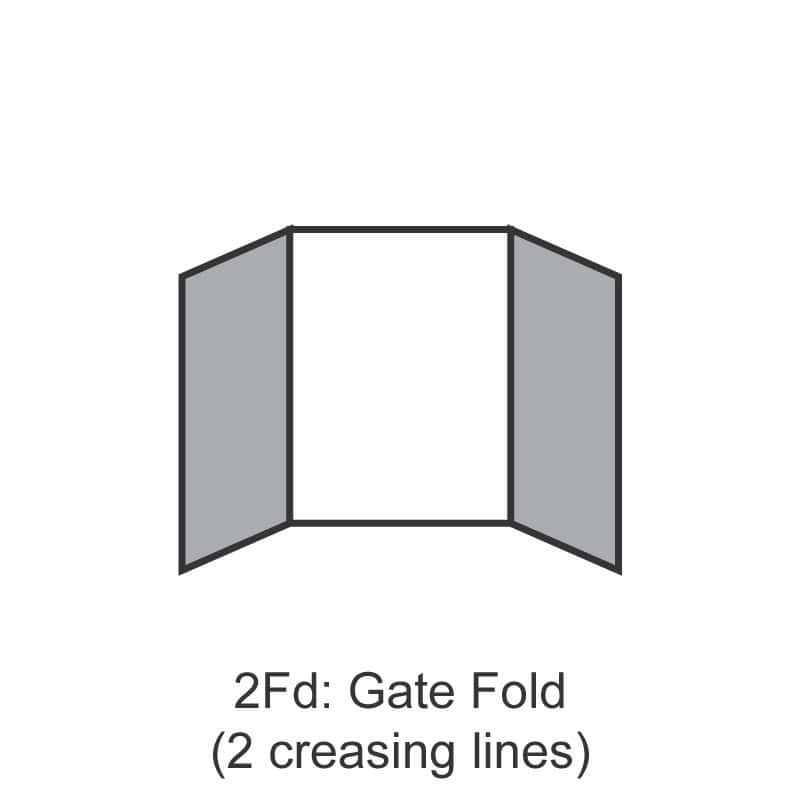
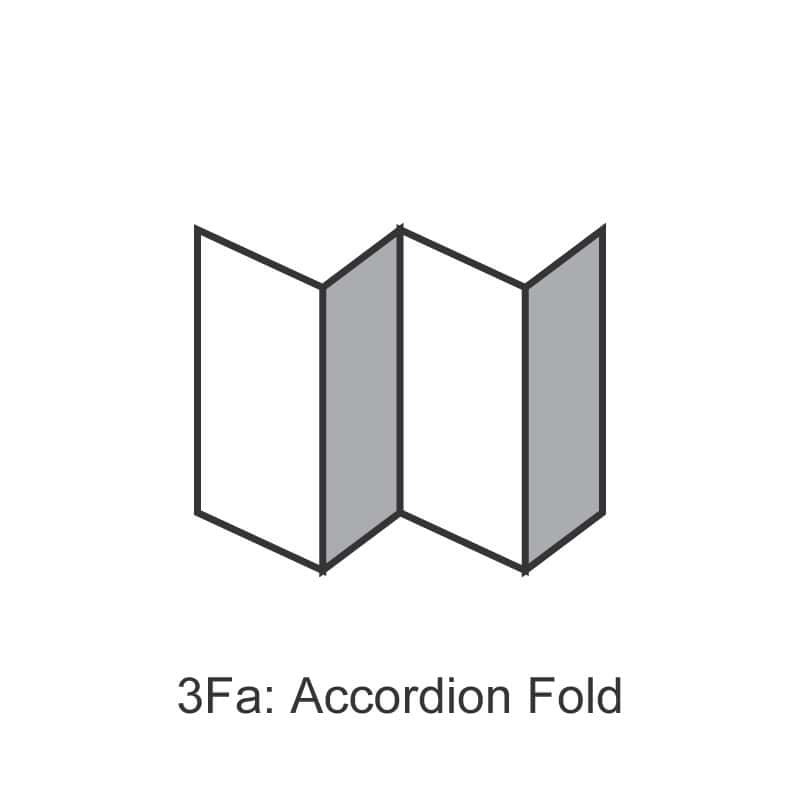
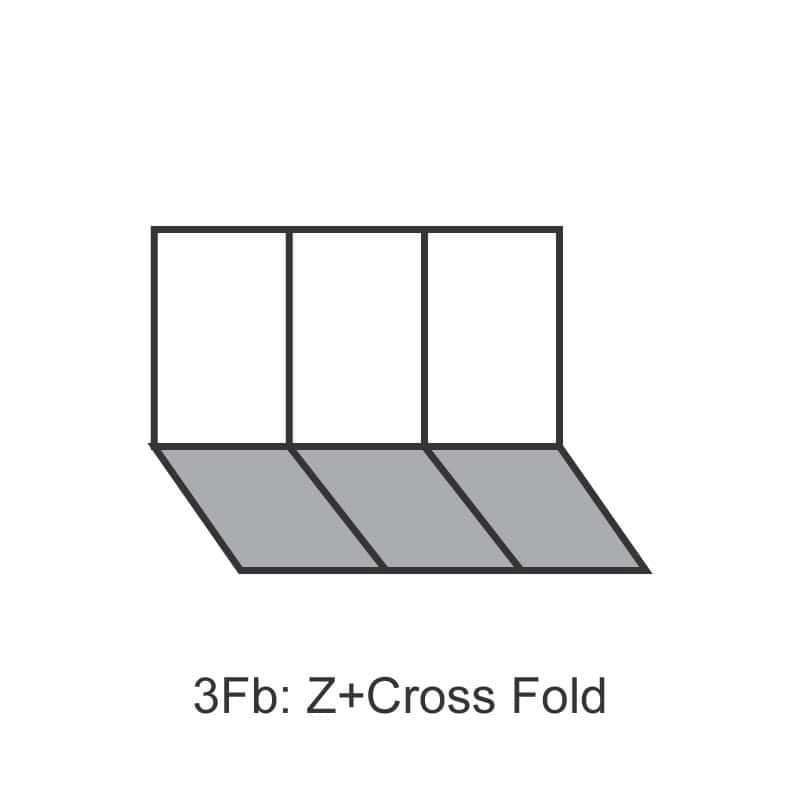
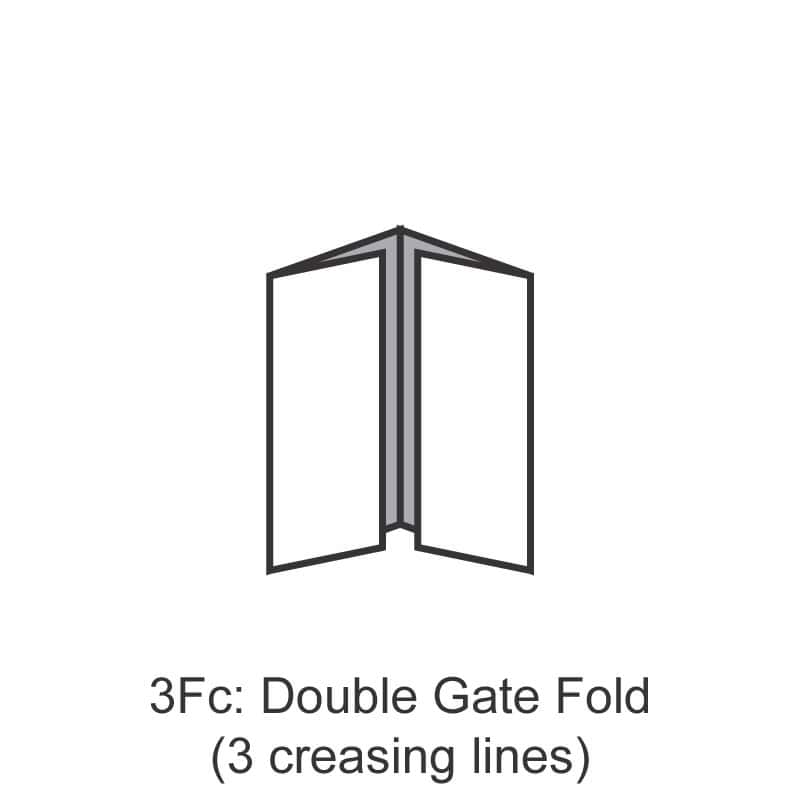
The right size and paper depends on what your flyer needs to do:
A4 (210 × 297mm) — Most space for content. Common for product brochures, event listings and detailed promotions.
A5 (148 × 210mm) — The Singapore default for general flyers. Cost-effective, easy to hand out, fits in standard letterboxes.
A6 (105 × 148mm) — Postcard-sized. Punchier with less content. Good for coupons, event invites and discount drops.
DL (99 × 210mm) — Long, narrow. Stands out in racks and fits standard envelopes if you’re mailing them.
For paper: 128 gsm gloss is the most popular all-round choice — feels premium, doesn’t crease easily. Step up to 200 gsm or 250 gsm if the flyer will be reused (loyalty card, fridge magnet replacement). Step down to 80–100 gsm woodfree for ultra-high-volume disposable drops where cost matters more than feel.
If you’re distributing flyers in Singapore, plan around two rules:
Letterbox drops to commercial buildings and direct distribution at your own event are generally fine. If you’re unsure, our blog on flyer printing in Singapore covers the rules in more detail.
What’s the minimum order quantity?
We print from 100 sheets onwards. For runs under 100, we recommend our digital flyer service for cost efficiency.
Can I get same-day flyers?
Yes, on selected stocks (typically 128–157 gsm gloss). Place your order before noon Mon–Fri and we’ll have them ready by 5pm same day. WhatsApp +65 8438 1313 to confirm before ordering.
Do you handle artwork design?
We don’t design from scratch but we do free file checks — we’ll flag bleed, safe-zone, low-resolution images and CMYK/RGB issues before printing. If you need design help, we recommend using Canva or hiring a designer first.
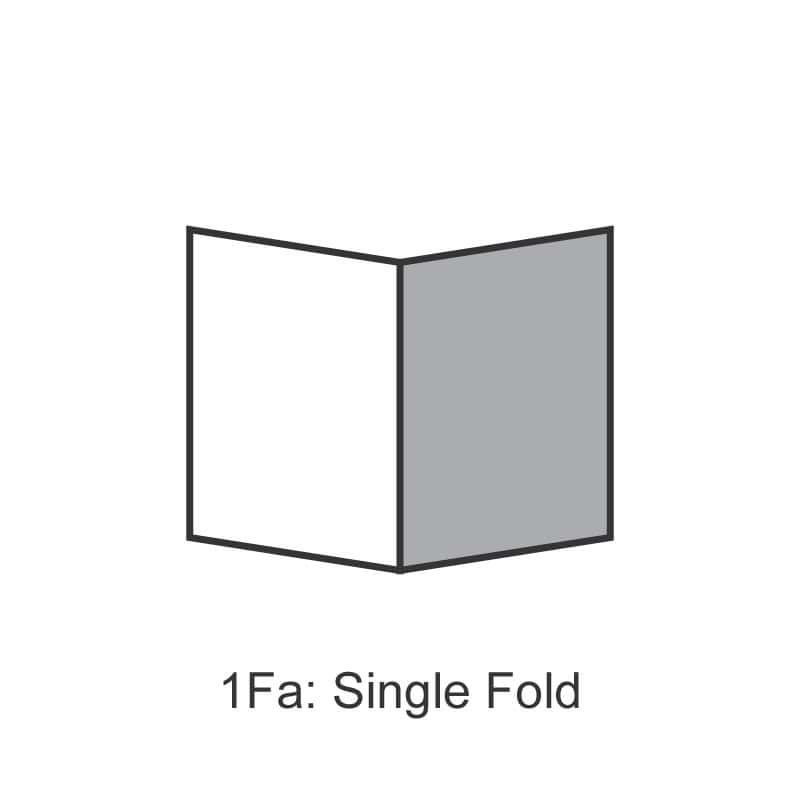
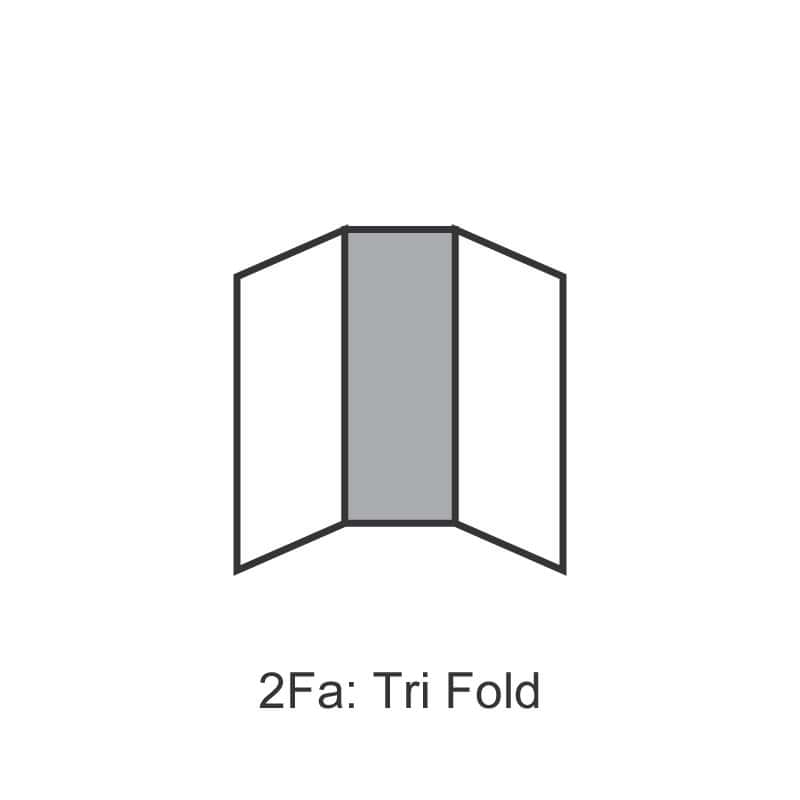
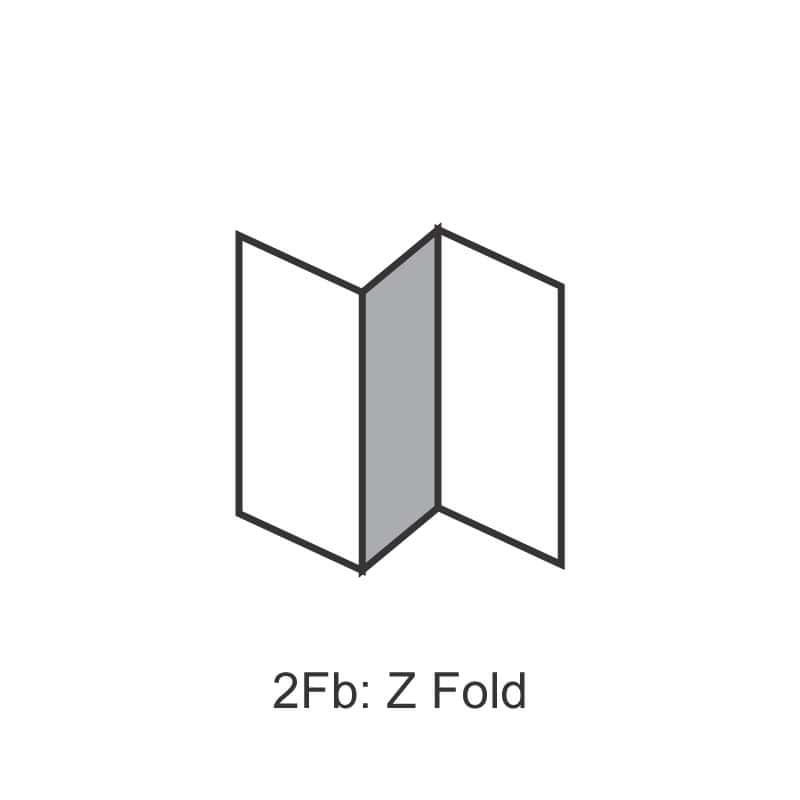
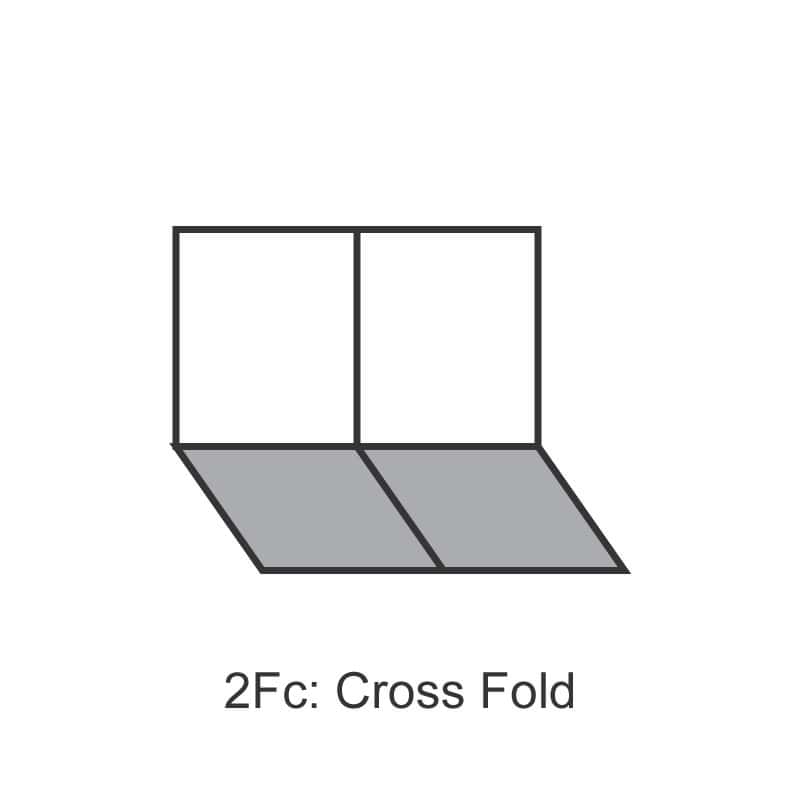
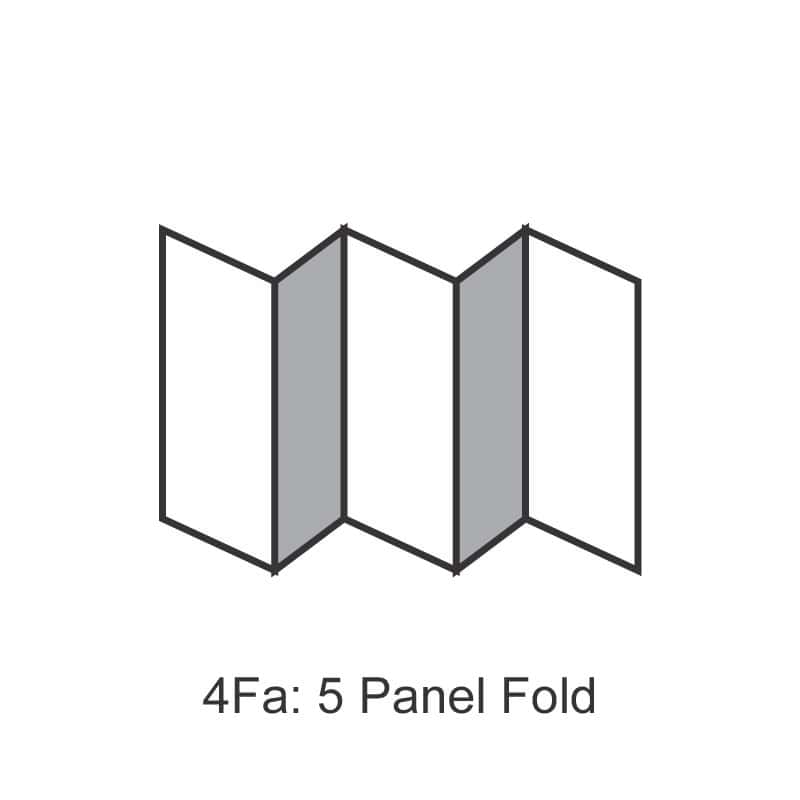
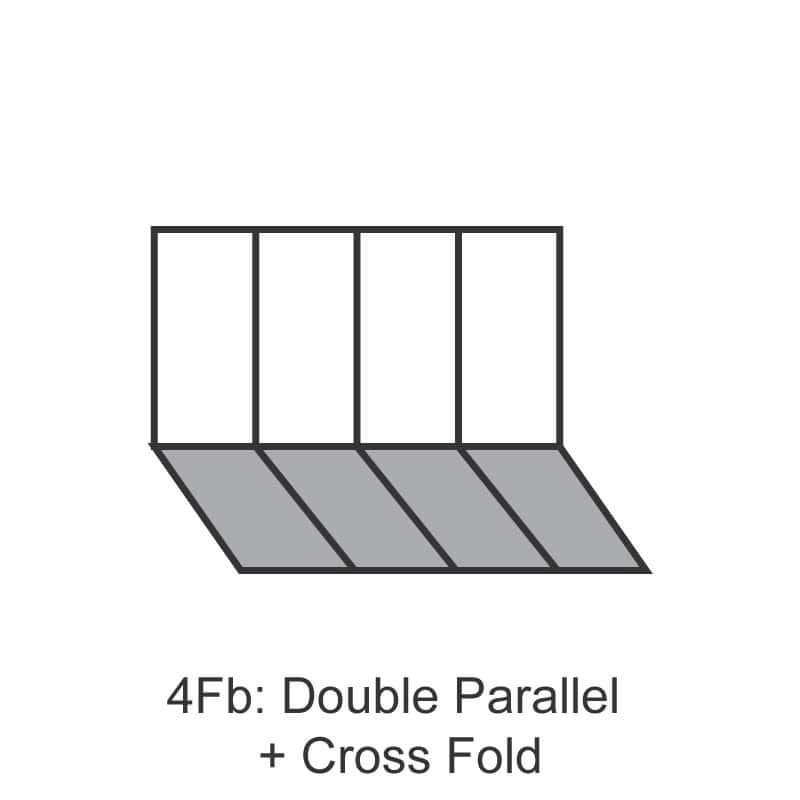
Everything You Need to Know Before Ordering Get your prints produced with professional precision and reliable quality. The price shown in the calculator reflects printing cost only, and each selection applies to one artwork design. Quantity cannot be split to print different designs. Example: If you have 3 different designs, simply complete your selections and add “3” quantities to your cart. *Cards will be scored (with creased line) unfolded. How to Submit Your Print Files [?] Upload your artwork directly if it’s under 20MB, or provide a download link in the “Remarks” field for larger files. Not ready yet? No worries — you can place your order now and send us the file later here. Type of Fold: 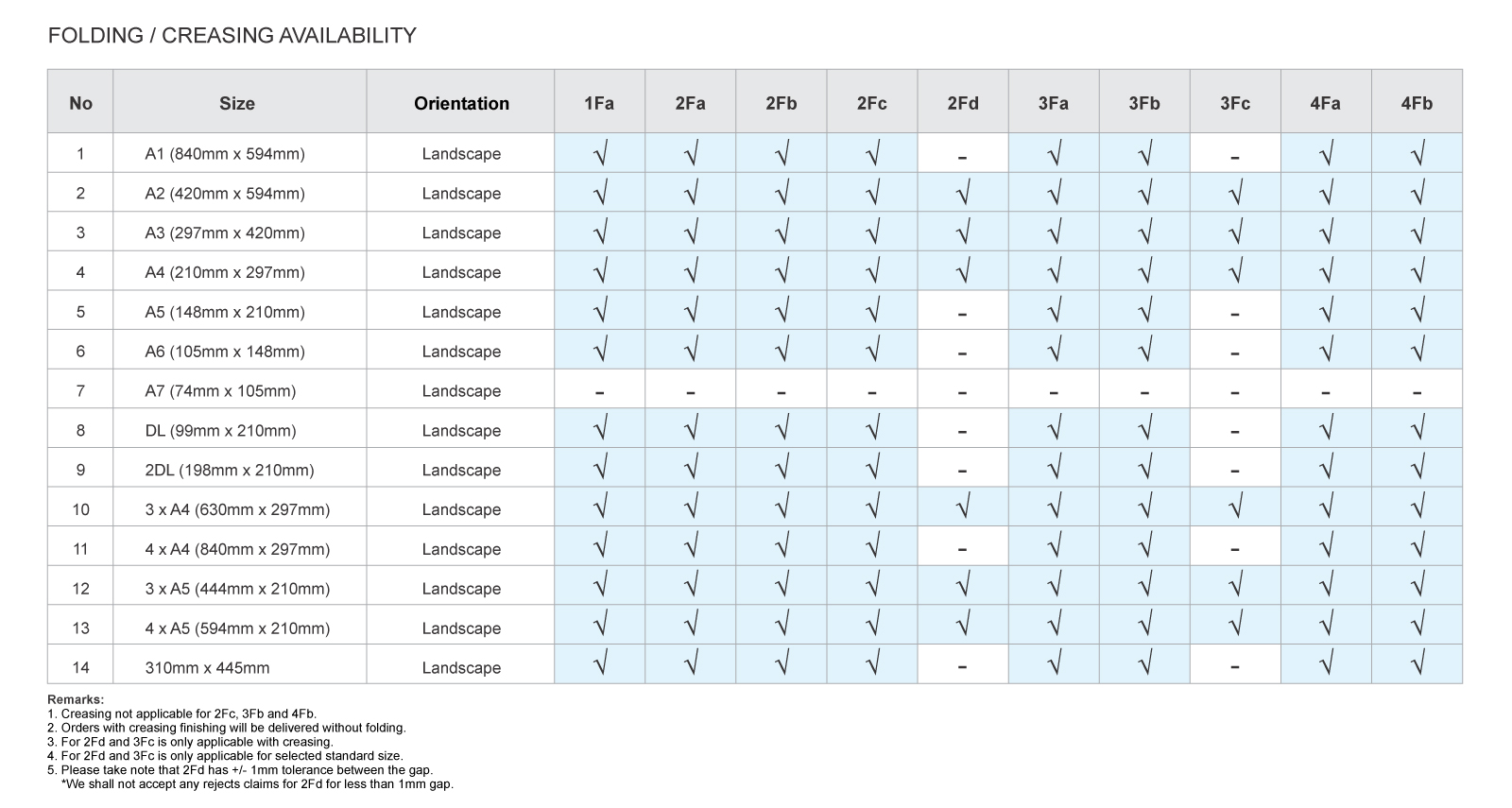 Printing Details [?]: Your product will be printed in full colour (4C CMYK) Artwork Requirements
These requirements ensure clean trimming and prevent important elements from being cut off. Process Day [?]: calculated based on orders processed before 5pm on working days (excluding Public Holidays).
After Production: Once your order is complete, you can choose to:
For everything you need to know on flyer sizes, paper choices, and Singapore distribution rules, read our complete guide to flyer printing in Singapore.
How to order
Ordering from Orange Print is simple. Use our online price calculator to configure your job, upload your file, and check out – all in a few minutes.
1) Select your product and specifications
Browse our shop and choose the product you need. Use the price calculator to select your specifications – size, quantity, material, finishing options – and get an instant price before you commit.
2) Upload your artwork
Upload your print-ready file directly at checkout (up to 20MB). For larger files, paste a download link in the Remarks field. Not ready yet? Place your order now and WhatsApp or email us your file at [email protected] once it’s ready – just include your order number.
Make sure your file meets the artwork requirements listed on the product page before uploading. This helps avoid delays.
3) Add to cart and check out
Once your specifications and file are set, add to cart and proceed to checkout. Review your order to make sure everything is correct before confirming.
4) Payment
We accept the following payment methods:
5) Collection or delivery
Once your order is ready, choose how to receive it:
Need help?
WhatsApp us at 8438 1313 for the fastest reply, call the office on 6589 8138, email [email protected], or use the live chat on our website during office hours.
Creating a print file for orangeprint.com.sg is super easy! For the best results, we recommend using Adobe software such as Illustrator or Photoshop. However, if you don’t have access to these tools, don’t worry. You can also design your artwork on Canva.com and save it as a high-resolution PDF. If you’re still unsure or need extra help, consider hiring a professional freelancer from platforms like Fiverr.com.
At Orangeprint, we conduct 13 pre-flight checks to identify potential issues with your files.
We have 10 tips to help you create the best artwork:
Choose the right size: Ensure your artwork matches the final print size. Common sizes include A4, A5, or custom dimensions. Use our size templates if available.
Include bleed: Extend your artwork 2mm beyond the trim edge to account for any slight cutting errors.
Set margins: Keep important content at least 5mm away from the trim line to avoid it being cut off.
CMYK color mode: Convert your artwork from RGB (or Pantone) to CMYK. This color mode is essential for accurate color reproduction in print.
High resolution: Ensure all images and graphics are at least 300 DPI (dots per inch) to avoid pixelation.
Embed fonts: Ensure all fonts are embedded within the file, or
Outline fonts: Convert text to outlines/paths to avoid font issues.
Vector graphics: Use vector formats for logos and illustrations whenever possible.
Image quality: Use high-resolution images to maintain quality.
PDF preferred: Save your artwork as a high-quality PDF for the best compatibility.
Other formats: We also accept TIFF, JPEG, and PNG, but ensure they meet our resolution and color requirements.
Check content: Double-check all text for typos and errors.
Verify layout: Ensure the layout and alignment are correct.
Confirm details: Check our print specifications for any additional requirements specific to your project.
Consult us: If unsure, contact our support team for guidance.
Use our upload tool: Follow the instructions on our website to upload your artwork. If your file is not ready at the time of order or exceeded upload file size limit, please send us a link to download instead.
Review confirmation: Ensure you receive a confirmation email after ordering.
Vibrant loose sheets for flyers or brochures. Perfect for promotions, events, and marketing—high-quality print for maximum impact.


